
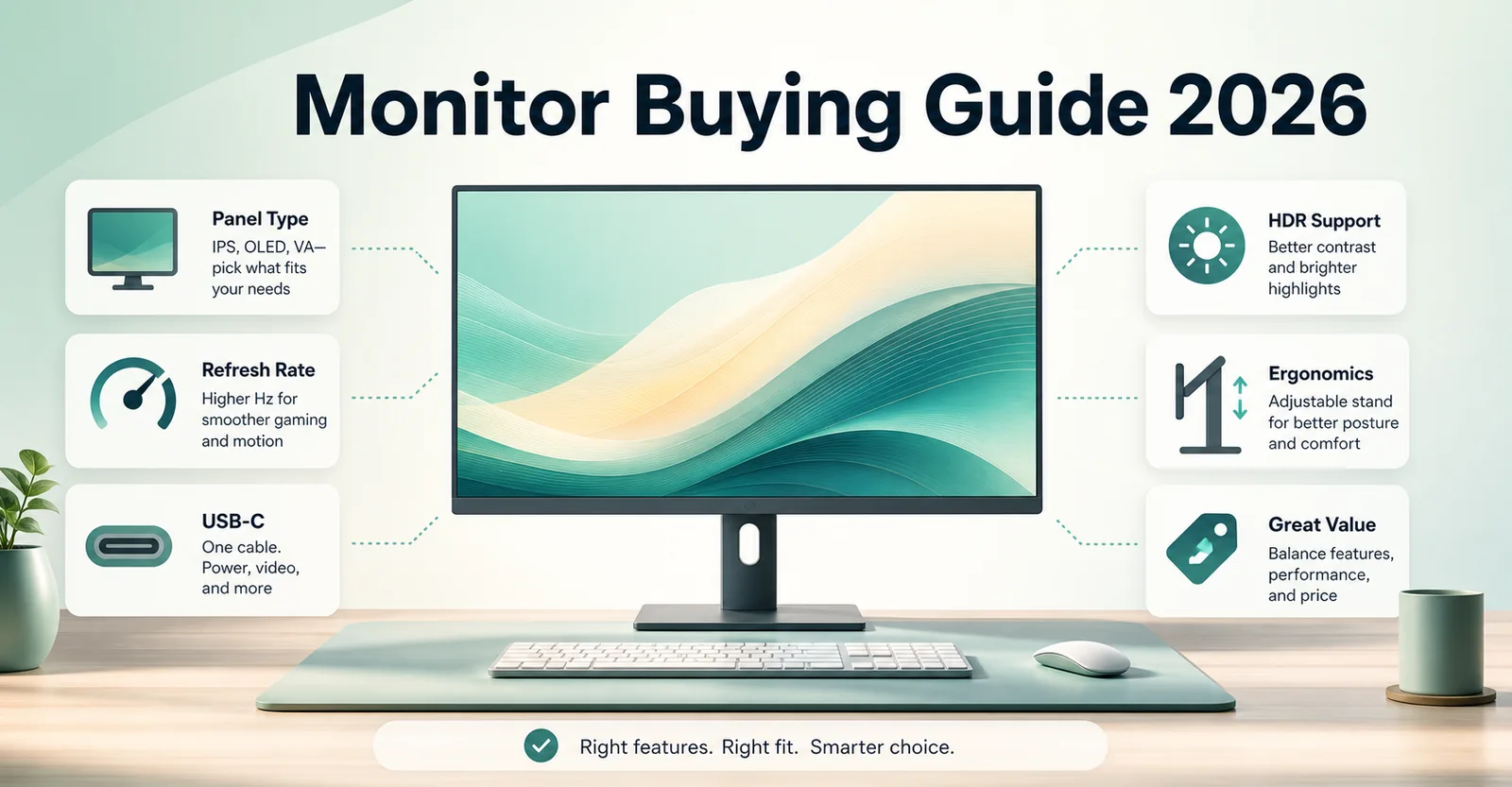
How the MonitorSuggest Blog Helps You Buy Smarter
Monitor marketing can be confusing. Refresh rates are quoted with different measurement methods, HDR badges do not always mean the same real-world experience, and one model name can hide regional variants. The blog gives buyers a structured way to read the monitor market by connecting specifications, panel technology, use cases, country signals, and after-sales context in one place.
Articles published here fall into several types. Buying guides step through a decision from first principles. Comparisons examine two or more specific models side by side. Explainers break down one technical concept, such as HDR tiers, panel types, response time, adaptive sync, or pixel density. After-sales guides help readers understand warranty processes, dead pixel policies, and service centre interactions.
Buying Guides
Step-by-step articles for choosing a monitor category from scratch, including what specs matter and what to ignore.
Comparisons
Side-by-side articles that make tradeoffs visible for gaming, work, creator tasks, and media.
Explainers
Technical breakdowns for panel types, HDR, refresh rate, response time, PPI, and color terminology.
After-Sales Guides
Context for warranty claims, dead pixel rules, country service coverage, and ownership risk.
How to use blog articles before buying
Blog articles work best as orientation tools. A good buying guide tells you which specification categories matter for your use case and which marketing claims deserve a second look. Reading the relevant guide before comparing specific products often saves time and prevents paying extra for a feature you will not use.
Explainer articles are useful when a product listing uses unfamiliar language. Understanding what DisplayHDR 400 means, how native contrast differs from dynamic contrast, or why OLED text behavior can vary helps buyers build better shortlists.
Avoiding misleading monitor marketing
Several parts of monitor marketing are often overstated or presented without enough context. The blog highlights these areas so readers can separate useful specifications from surface-level claims.
Dynamic contrast ratio
Native contrast is usually more useful than huge dynamic contrast numbers because it better reflects real dark and bright performance.
Response time claims
Best-case response numbers may rely on aggressive overdrive that can create inverse ghosting or artifacts.
HDR certification tiers
HDR badges vary widely. Brightness, dimming, contrast, and color volume all matter more than a label alone.
Color gamut percentages
Coverage numbers need context from accuracy, calibration, measurement method, and the exact color space.
Blog FAQ
What does the MonitorSuggest blog cover?
The blog covers monitor buying guides, display technology explainers, comparison notes, setup advice, and after-sales context for buyers who want more than basic specification lists.
Are MonitorSuggest blog articles lab-tested reviews?
No, unless an article clearly says otherwise. Most pages organize listed specifications, official product data, community ratings, and practical buying interpretation.
How should I use the blog before buying a monitor?
Start with a guide for your use case, then shortlist models in Find Monitor, compare two or three options, and verify final seller details before purchase.
Do articles include country-specific context?
Where relevant, MonitorSuggest connects guides with country-aware store availability, regional signals, and after-sales considerations.
How often should monitor guide information be verified?
Verify important specifications, warranty terms, seller details, and exact model numbers whenever you are close to buying because listings can change.
Can I suggest a topic for the blog?
Yes. Use the Community Requests or Suggest a Monitor or Brand section to request monitors, brands, corrections, or article topics.
Do affiliate links affect editorial conclusions?
Affiliate links should not control rankings, pros, cons, or editorial conclusions. MonitorSuggest separates buying context from store availability.
Who writes MonitorSuggest guides?
Guides are published under MonitorSuggest editorial profiles so readers and search engines can connect articles to visible author and policy pages.
Can websites cite MonitorSuggest articles?
Yes, websites can link to relevant MonitorSuggest guides or tools. Copying full article content without permission is not appropriate.